Thêm khối văn bản vào báo cáo
- 🇻🇳 Tiếng Việt
- 🇬🇧 English
- 🇰🇷 한국어
- 🇨🇳 中文
Tổng quan
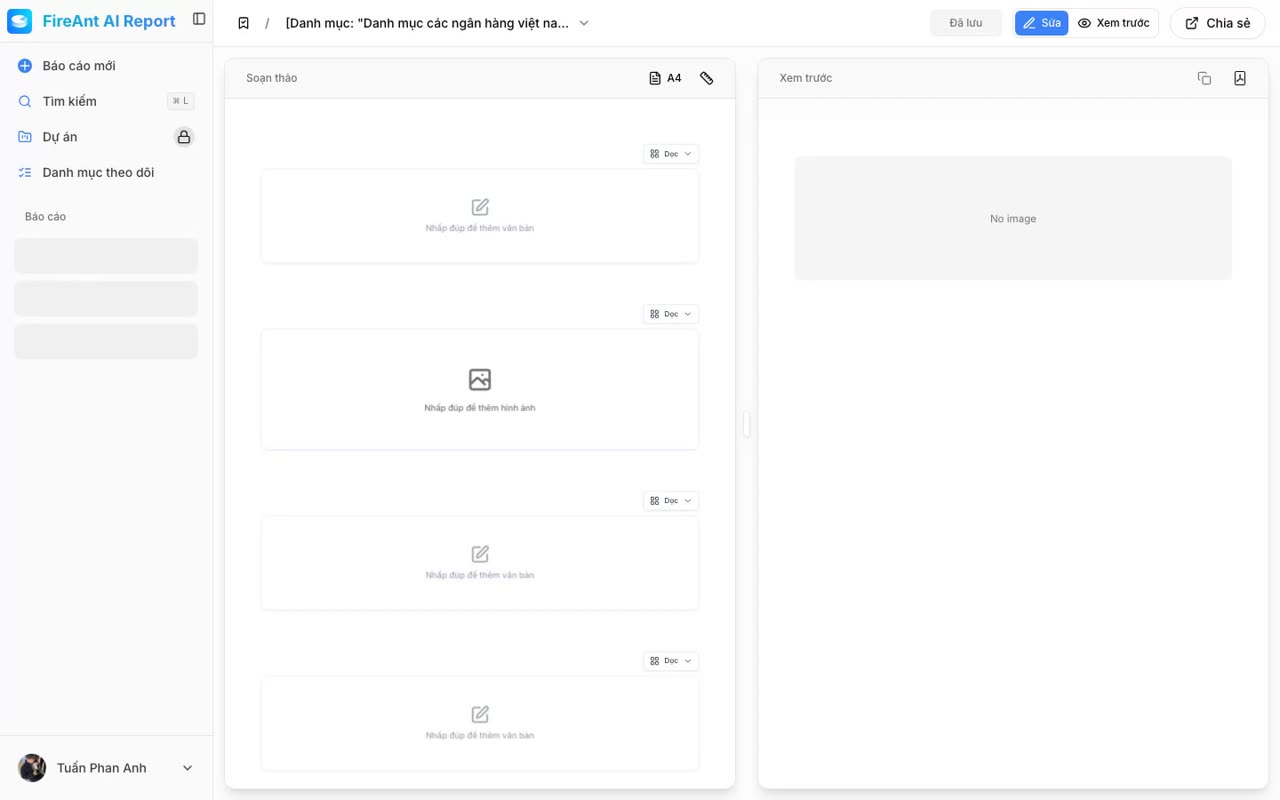
Khối văn bản dùng để thêm tiêu đề, đoạn mô tả, ghi chú hoặc kết luận do bạn tự viết, xen giữa các biểu đồ và bảng do AI sinh ra.
Điều kiện
- Đã đăng nhập tài khoản FireAnt.
- Đã mở một báo cáo để chỉnh sửa.
- Yêu cầu tài khoản Premium.
Các bước
- Mở báo cáo cần chỉnh sửa.
- Nhấn placeholder Thêm khối mới (⌘K hoặc nhấp vào ô) để mở Command Palette.
- Chọn Khối văn bản trong danh sách.
- Nhập nội dung vào khối vừa được thêm.
Overview
A text block lets you add headings, descriptions, notes, or conclusions of your own, interleaved between the charts and tables the AI generates.
Prerequisites
- Signed in to a FireAnt account.
- A report opened for editing.
- A Premium account is required.
Steps
- Open the report you want to edit.
- Click the Add new block placeholder (⌘K or click the box) to open the Command Palette.
- Choose Text block from the list.
- Type your content into the newly added block.