Tải tài liệu lên dự án
- 🇻🇳 Tiếng Việt
- 🇬🇧 English
- 🇰🇷 한국어
- 🇨🇳 中文
Tổng quan
Khu Tài liệu dự án cho phép bạn tải tệp lên dự án để AI dùng làm ngữ cảnh khi trả lời. Đây là một mục trong trang chi tiết dự án, có vùng kéo-thả và nút + để chọn tệp. Bạn có thể kéo thả nhiều định dạng như PDF, Excel, CSV và chờ hệ thống xử lý xong trước khi đặt câu hỏi dựa trên tài liệu.
Điều kiện
- Đã đăng nhập tài khoản FireAnt.
- Có quyền tải tài liệu lên dự án.
Các bước
- Mở dự án và cuộn tới khu Tài liệu dự án.
- Kéo thả tệp vào vùng kéo-thả hoặc nhấn nút + để chọn tệp.
- Chờ tài liệu được xử lý xong.
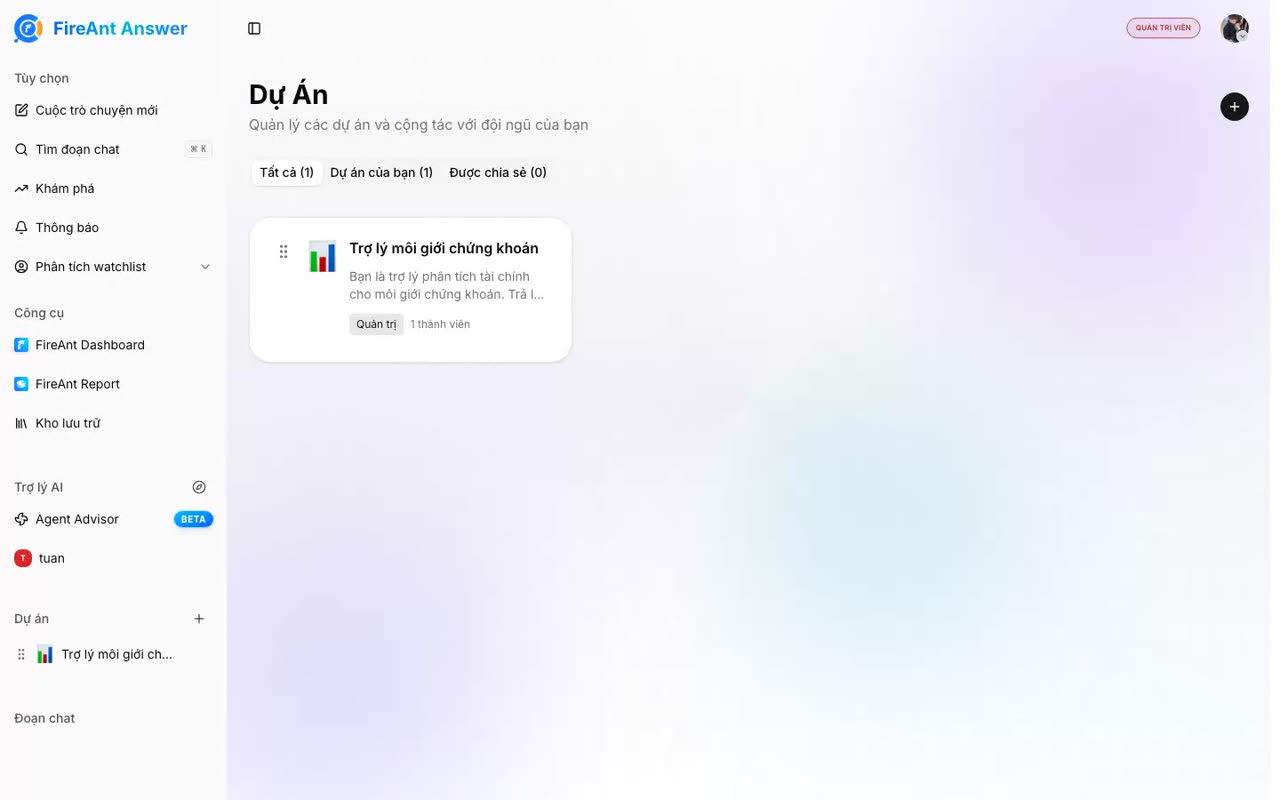
Overview
The Workspace documents section lets you upload files to a workspace so the AI can use them as context when answering. It is a section on the workspace detail page with a drop zone and a + button to pick files. You can drag and drop many formats such as PDF, Excel, and CSV, then wait for processing to finish before asking questions based on the documents.
Prerequisites
- Signed in to a FireAnt account.
- Permission to upload documents to the workspace.
Steps
- Open the workspace and scroll to the Workspace documents section.
- Drag and drop a file into the drop zone, or click the + button to choose a file.
- Wait for the document to finish processing.
개요
프로젝트 문서 영역에서는 프로젝트에 파일을 업로드해 AI가 답변할 때 맥락으로 활용하도록 할 수 있습니다. 프로젝트 세부 페이지에 있는 영역으로, 끌어다 놓기 영역과 파일을 선택하는 + 버튼이 있습니다. PDF, Excel, CSV 등 다양한 형식을 끌어다 놓을 수 있으며, 문서 기반으로 질문하기 전에 시스템 처리가 끝날 때까지 기다리면 됩니다.
사전 조건
- FireAnt 계정으로 로그인되어 있어야 합니다.
- 프로젝트에 문서를 업로드할 권한이 있어야 합니다.
단계
- 프로젝트를 열고 프로젝트 문서 영역으로 스크롤합니다.
- 끌어다 놓기 영역에 파일을 끌어다 놓거나 + 버튼을 눌러 파일을 선택합니다.
- 문서 처리가 끝날 때까지 기다립니다.